Every Way to Top Up Your Singapore Mobile — Explained
This guide covers all available top-up methods in Singapore as of 2026, with step-by-step instructions for each. Whether you're using Singtel, StarHub, M1, or a MVNO like Circles.Life or giga!, we walk you through every option — from app top-ups and NETS transfers to convenience stores and online portals — so you never run out of credit.
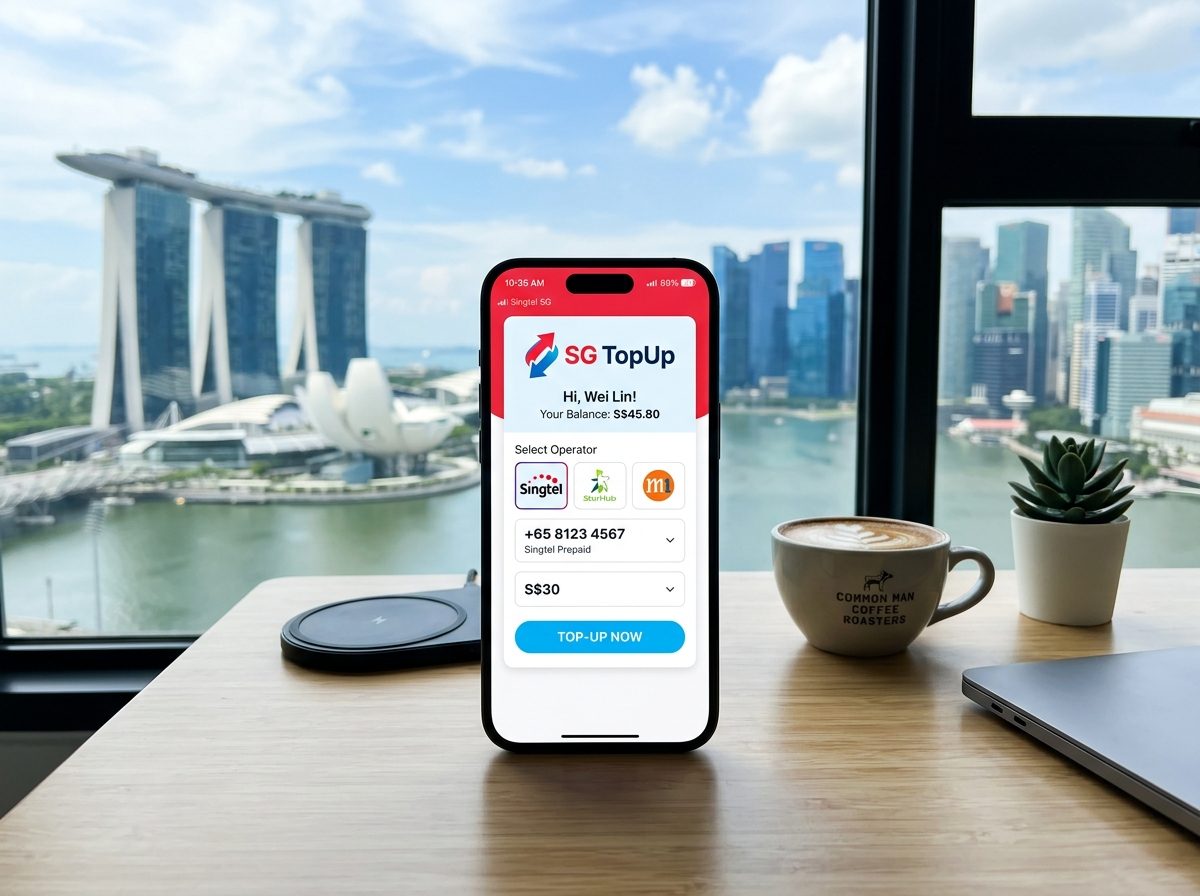
Step-by-step instructions
For every operator & every method
Every Top-Up Method,
Explained in Detail
From operator apps to USSD codes — click any method below to see exact steps, applicable fees, and pro tips from real Singapore prepaid users.
Step-by-Step Instructions
- 1Download the official app: Singtel App, StarHub+, or My M1+ from the App Store or Google Play.
- 2Log in with your mobile number and OTP verification.
- 3Navigate to 'Top-Up' or 'Reload' from the home screen or the account menu.
- 4Enter or confirm the amount you wish to top up (minimum $5; multiples of $5 or $10 depending on operator).
- 5Select your payment method: credit/debit card, PayNow, or PayLah!.
- 6Review the summary and tap 'Confirm'. You'll receive an SMS confirmation within seconds.
No processing fee. Standard card network charges may apply for international cards.
- →Enable biometric login for faster access.
- →Singtel App supports Apple Pay and Google Pay for one-tap checkout.
- →M1 often offers exclusive in-app reload bonuses — check the 'Promotions' tab before topping up.
Step-by-Step Instructions
- 1Visit the official website: singtel.com, starhub.com, or m1.com.sg.
- 2Click 'Top-Up' or 'Prepaid Reload' in the navigation bar.
- 3Enter your prepaid mobile number in the field provided.
- 4Choose a top-up denomination from the options listed.
- 5Select payment: Visa, Mastercard, PayNow QR, or eNETS.
- 6Complete any 2FA (OTP sent to your registered email or phone) and click 'Pay Now'.
- 7Save or screenshot the transaction reference number for your records.
No service fee. Some banks may charge a small foreign card surcharge.
- →Use a desktop browser if you encounter issues with mobile Safari on operator websites.
- →StarHub's website allows guest top-ups — you don't need to log in to reload another person's number.
- →Bookmark the reload page directly to skip navigation next time.
Step-by-Step Instructions
- 1Open your banking app (DBS/POSB, OCBC, UOB, etc.) or the DBS PayLah! app.
- 2Select 'PayNow' and choose to pay by UEN (Unique Entity Number).
- 3Enter the operator's UEN: Singtel — 199201624D, StarHub — 199802208C, M1 — 199206031W.
- 4In the 'Reference' or 'Bill Reference' field, enter your prepaid mobile number (e.g., 65XXXXXXXX).
- 5Key in the exact top-up amount and confirm the transaction.
- 6Top-up credit is typically applied to your SIM within 5–15 minutes.
Completely free — no processing fees via PayNow.
- →Double-check the UEN before confirming; sending to the wrong UEN requires the bank's help to recover.
- →PayLah! users can save the operator as a favourite payee for future one-tap reloads.
- →If credit doesn't appear after 30 minutes, call the operator's helpline with your PayNow transaction ID.
Step-by-Step Instructions
- 1Locate any 7-Eleven (700+ outlets), Cheers, or SingPost post office near you.
- 2Approach the service counter and inform the staff you'd like to top up your mobile prepaid.
- 3Provide your mobile number verbally or show it on your phone screen.
- 4State the desired amount — available denominations are typically $10, $20, $30, $50.
- 5Pay with cash (or NETS/EZ-Link at selected outlets).
- 6The cashier will process the reload and give you a receipt. Keep this until SMS confirmation arrives.
No service fee at most outlets. Confirm with staff before paying.
- →7-Eleven is open 24/7, making it ideal for late-night emergency top-ups.
- →SingPost counters also handle all three major operators and accept PayWave.
- →Always request a printed receipt as proof of payment.
Step-by-Step Instructions
- 1Find an AXS machine at MRT stations, malls, hospitals, or petrol stations (1,000+ locations).
- 2Touch the screen to begin and select 'Mobile & Internet'.
- 3Choose your operator: Singtel, StarHub, or M1.
- 4Select 'Prepaid Top-Up' and key in your 8-digit mobile number.
- 5Choose the top-up amount from the on-screen options.
- 6Insert cash or tap your NETS/EZ-Link card to pay.
- 7Collect your receipt. Credit is applied within minutes.
AXS machines may charge a convenience fee of $0.50–$1.00 per transaction.
- →The AXS m-Service app replicates all machine functions on your phone without the convenience fee.
- →AXS machines accept $2, $5, $10, and $50 notes — no $100 notes.
- →Check axs.com.sg for the nearest machine with real-time directions.
Step-by-Step Instructions
- 1Purchase a prepaid top-up voucher at any operator store, 7-Eleven, SingPost, or authorised retailer.
- 2Gently scratch off the silver panel on the back to reveal the 12–16 digit PIN.
- 3Dial *100*PIN# on your phone and press the call button (Singtel), or follow your operator's USSD format.
- 4Alternatively, log in to the operator app or website and enter the PIN under 'Redeem Voucher'.
- 5Wait for a confirmation SMS showing your updated balance.
No redemption fee. Vouchers are sold at face value.
- →Vouchers make excellent gifts — look for combo packs with bonus data at operator stores.
- →Photograph the PIN immediately after scratching in case the card is lost.
- →Most vouchers expire 90 days after purchase — check the expiry date printed on the card.
- →Singtel's $18 and $28 combo vouchers include both airtime and a data bundle.
Step-by-Step Instructions
- 1Open your phone's dialler and key in the operator's top-up USSD string:
- • Singtel Prepaid: *100# then Call — follow on-screen prompts
- • StarHub Prepaid: *123# then Call — select 'Top-Up'
- • M1 Prepaid: *133# then Call — navigate to 'Reload'
- 5Follow the interactive text menu to select your top-up method (voucher PIN or credit card).
- 6Confirm your selection and wait for the final confirmation SMS.
USSD calls are free on Singapore prepaid SIMs.
- →USSD is the go-to method when you have no data or Wi-Fi — it works on any signal.
- →Have your credit card details or voucher PIN ready before dialling to avoid session timeout.
- →USSD sessions expire after ~60 seconds of inactivity, so work through the menus promptly.
Step-by-Step Instructions
- 1Log in to your operator app or website.
- 2Go to 'Account Settings' → 'Auto Top-Up' or 'Auto Reload'.
- 3Choose your trigger condition: when balance drops below a threshold (e.g., $5) or on a fixed date monthly.
- 4Set the reload amount (e.g., $10, $20, $30).
- 5Link a payment method: credit/debit card or PayNow.
- 6Confirm and enable. You'll receive an SMS each time an automatic top-up is processed.
No setup or recurring fee. Standard card charges apply per transaction.
- →Set your low-balance trigger slightly higher than your typical daily spend to avoid service interruption.
- →Singtel's Auto Top-Up supports up to $50 per reload event.
- →Review your auto top-up settings every few months to ensure the linked card remains valid.
- →You can pause or cancel auto top-up at any time from the app without penalty.
Not sure which operator to top up with?
Compare Singtel, StarHub, and M1 prepaid plans with real user ratings on sg-slirnba.
Pick the Right Top-Up Method for You
Compare every Singapore prepaid top-up method across speed, fees, connectivity requirements, availability, and tourist suitability — all in one place.
Showing 10 of 10 methods
| Top-Up Method | Operator(s) | Speed | Fees | Needs Internet | 24/7 | For Tourists |
|---|---|---|---|---|---|---|
MySingTel AppMost Popular | Singtel | Instant | Free | |||
StarHub App | StarHub | Instant | Free | |||
My M1 App | M1 | Instant | Free | |||
AXS MachineTourist-Friendly | All Operators | Instant | S$0.50 | |||
7-Eleven / CheersBest for Tourists | All Operators | Instant | Free | |||
USSD Code (*100#) | Singtel / M1 | Up to 1 hour | Free | |||
Bank Transfer / PayNow | All Operators | Instant | Free | |||
Operator Website | All Operators | Instant | Free | |||
Top-Up Card (Scratch) | Singtel / StarHub | Instant | Free | |||
SingPost Counter | All Operators | Up to 1 hour | S$0.30 |
sg-slirnba Pro Tip
Visiting Singapore short-term? Head to any 7-Eleven or Cheers outlet — they accept cash, require no internet, and are open 24/7 island-wide. For locals, operator apps remain the fastest and cheapest option with instant credit and zero fees.
Want a step-by-step walkthrough of each method?
View Full Top-Up GuideSingapore's trusted guide for mobile top-ups, operator comparisons, and real user reviews — all in one place.
Operators
© 2026 sg-slirnba. All rights reserved.
sg-slirnba is an independent guide and review platform. We are not affiliated with, endorsed by, or officially connected to Singtel, StarHub, M1, or Circles.Life. All trademarks belong to their respective owners. Information is provided for reference only and may change without notice.